
How to Choose Between Two Profile Photos (Without Chasing a Perfect Score)
# How to Choose Between Two Profile Photos (Without Chasing a Perfect Score)
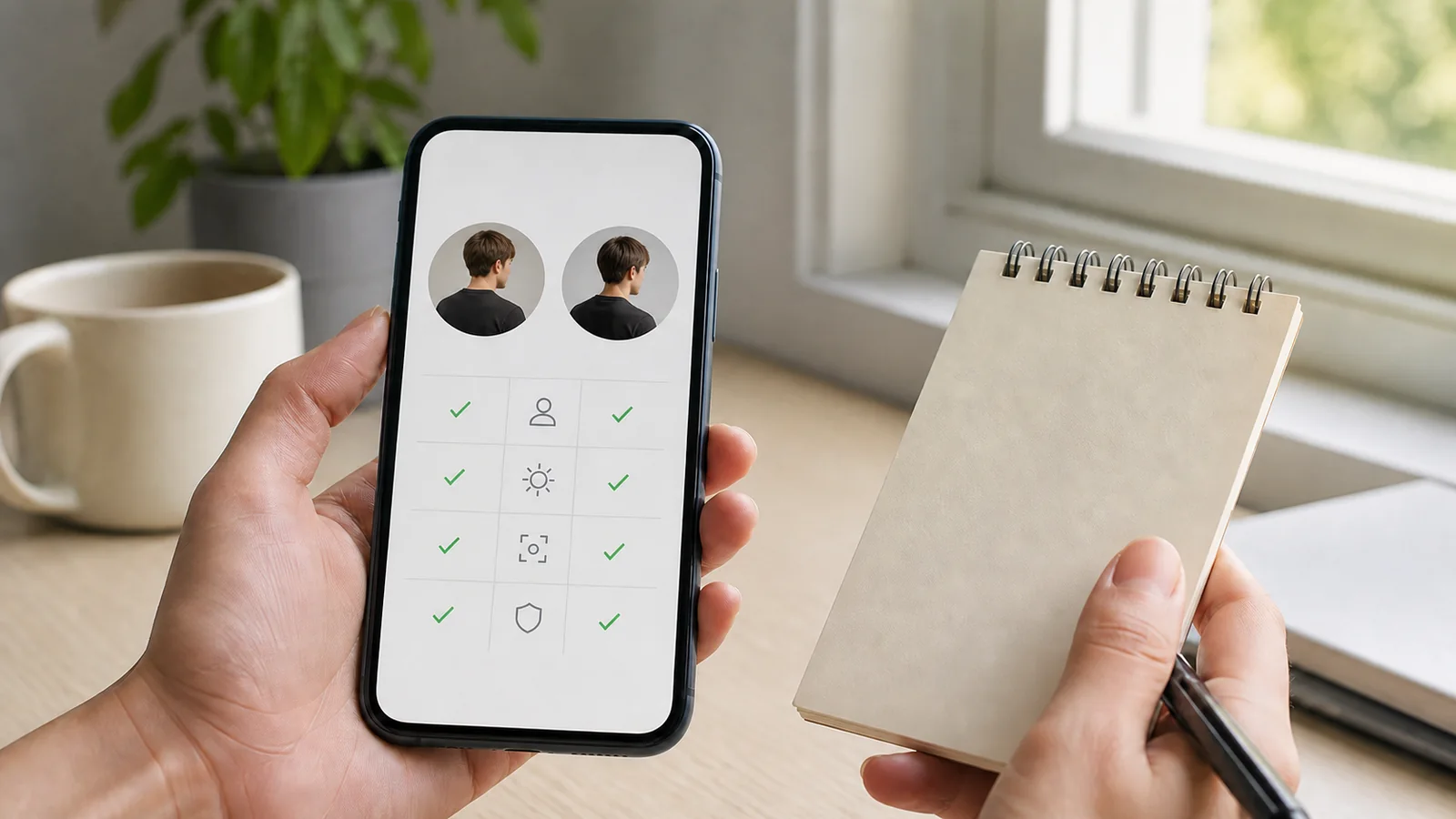
When two profile photos are both decent, a single “best” score is usually the wrong tool for the decision. The better choice depends on where the image will appear, what it needs to communicate, and whether it still feels like you. Rather than searching for a universal ranking, compare the two images against a small set of visible, practical criteria.
This framework works for professional profiles, communities, creator pages, and social accounts. It does not tell you which person is more attractive or valuable. It helps you choose a photo that is clear, appropriate, and comfortable to use.
If either candidate has basic lighting or crop problems, work through the [profile photo lighting, framing, and expression checklist](/posts/profile-photo-lighting-framing-expression-checklist) before comparing them again.
## Start with the destination
Write down the first place you will use the image. A hiring directory, a personal website, a group chat, and a creator bio present different constraints. A professional profile often benefits from simple context and easy recognition. A personal account may allow more environment, activity, or humor. A creator page may need consistency with an existing visual identity.
Then check the final size and crop. An image that looks great full-screen can fail in a small circular avatar. Open each candidate in the actual destination if possible. If that is not possible, make a small circular preview yourself. The test is simple: can someone recognize the subject quickly, and does the crop preserve the part of the image you intended to show?
## Compare clarity before style
First, remove technical distractions. Choose the photo that has the clearer focus, more usable light, and less visual clutter—unless the context genuinely requires a different look. Zoom to full size, then reduce both images to avatar size. A clear thumbnail is more useful than a sophisticated image that becomes muddy when small.
Use this short pass:
- Is the main subject visibly in focus?
- Is the light even enough to see facial features without severe glare or shadow?
- Does the background pull attention away from the subject?
- Does the crop avoid accidental cuts at the chin, forehead, eyes, or hands?
- Is the photo recent enough to be an honest representation?
If one image wins four of five questions, you may already have your answer. Do not turn a straightforward technical choice into a referendum on your appearance.
## Compare context and intent
Next, ask what each image says about the setting, not about you as a person. One photo may show a desk, event, studio, outdoor trail, or other signal that helps a viewer understand the account. The other may be cleaner and more neutral. Neither is inherently better; match the signal to the destination.
For example, an independent designer might choose a straightforward portrait for a client proposal and a more contextual photo for an about page. A community organizer might prefer a photo from a relevant event if the background does not expose other people without permission. A student may choose a simple head-and-shoulders crop where recognition matters most.
Avoid over-interpreting a photo’s social meaning. A system cannot reliably predict who will trust, hire, date, follow, or like you from an image. Your goal is a photo that supports a clear introduction, not a promise of an outcome.
## Authenticity is a valid criterion
Ask which image feels most recognizably like you on an ordinary good day. This is not a vague fallback; it is a practical check against over-editing and over-performance. If you would feel uneasy when meeting someone who saw the image, choose the more accurate version even if the other photo looks more polished.
Signs that a candidate may be less useful include an old haircut or style that no longer represents you, aggressive filters, a pose that feels unlike you, or editing that changes recognizable features. A modest exposure adjustment or crop can improve an image. Changing the image until it represents a different person introduces friction later.
You may also want to consider accessibility. Clear contrast, a readable face at small size, and a non-confusing background can make an avatar easier for more people to process quickly. These are ordinary design choices, not aesthetic judgments.
## Add privacy and permission to the comparison
Before picking the winner, inspect both images for avoidable disclosures. Does one reveal a home address, ID badge, license plate, child, client, private screen, or precise location? Does one include another person who has not agreed to appear? If so, crop, blur, or choose the other image.
This step matters even when the photo will seem harmless to most viewers. Profile images can be copied, indexed, or shared beyond the original context. Use a version you are comfortable making persistent and publicly associated with you. The [FTC’s consumer privacy guidance](https://www.ftc.gov/business-guidance/privacy-security/consumer-privacy) is a useful reminder to look for clear, truthful handling statements when a platform collects personal data.
## A five-minute decision matrix
Make a simple table and give each candidate a one-to-five note for the following, without pretending the numbers are objective truth:
| Question | Photo A | Photo B |
| --- | --- | --- |
| Clear at final avatar size? | | |
| Lighting and focus usable? | | |
| Context fits this platform? | | |
| Looks like me now? | | |
| No avoidable privacy or permission issue? | | |
The point is not to crown a winner with a mathematical total. The point is to surface the trade-off. If Photo A is clearer but Photo B has more meaningful context, choose based on the platform. If one photo raises a privacy concern, that concern outweighs a tiny visual advantage.
If the result is still tied, use a trusted human check. Ask someone who understands the destination, “Which image is easier to recognize and fits this context?” Do not ask them to rate your attractiveness. Invite a concrete observation, then decide for yourself.
## Where AI can help—and where it should stop
An AI photo tool can be useful for mechanical comparisons: flagging blur, darkness, tight crops, or a subject that is too small for an avatar. Treat those outputs as a checklist, not a verdict. The tool cannot know your relationship to the audience or what expression feels authentic. It also should not claim to infer personality, identity, health, professionalism, attractiveness, or expected social success.
If you use automated feedback, prefer a tool that explains what it observes and gives you a reversible action to try. “Try a closer crop” is more useful than an unexplained rank. Read the service’s image-retention and deletion policy before uploading. For an overview of responsible data-handling expectations, see the [ICO data-sharing code](https://ico.org.uk/for-organisations/uk-gdpr-guidance-and-resources/data-sharing/data-sharing-a-code-of-practice/).
## Decide, save, and move on
Once you have a clear, appropriate, privacy-safe option, use it. Keep the alternate in your own files and revisit only if your context changes. There is no prize for endless optimization. A profile photo is an introduction, not a test you must pass.
## FAQ
### What if neither photo feels right?
Take a new one with soft window light, a simple background, and a timer. Ten minutes is often faster than forcing a choice between two compromised images.
### Should I use an AI score to break a tie?
No. Use visible evidence, platform fit, and your preference. A score can hide uncertainty behind a number.
### Can I use the same photo everywhere?
Yes, if it works across contexts. It is also fine to keep different crops or images for professional, social, and creator spaces.
## Editorial disclosure and sources
Written by the Amihotor Editorial Team. Amihotor’s intended photo-feedback scope is limited to visible presentation factors for voluntarily submitted adult self-photos. It does not provide attractiveness scoring or personal-trait inference. This article is educational guidance, not legal, medical, or psychological advice.